Los teclados de los ordenadores portátiles
¿Por qué debería pedir el teclado de su portátil a IPC-Computer?
- Somos un distribuidor de repuestos para muchos fabricantes de portátiles, incluyendo Acer, Asus, Dell, Fujitsu, Lenovo y muchos más.
- Con nuestra garantía de calidad, definitivamente obtendrá el teclado correcto
- En el taller de reparación de la casa, nos encargamos de la instalación del teclado para usted.

Los teclados más populares
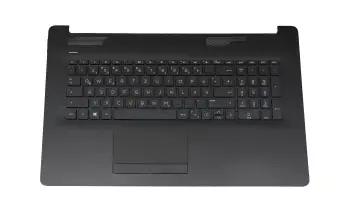
L48409-041 teclado incl. topcase HP DE (alemán) negro/negro (DVD) (Óptica: muestra en bruto)
más gastos de envío
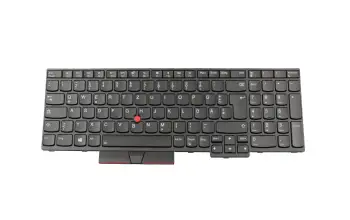
01YP692 teclado original Lenovo DE (alemán) negro/negro con retroiluminacion y mouse-stick
más gastos de envío
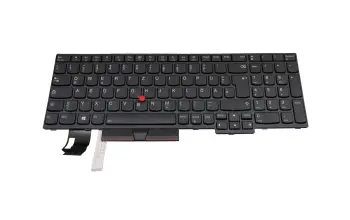
5N20V78918 teclado original Lenovo DE (alemán) negro/negro con retroiluminacion y mouse-stick
más gastos de envío
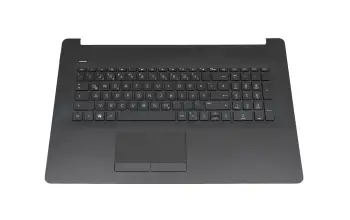
L92781-041 teclado incl. topcase HP DE (alemán) negro/negro (PTP/sin DVD)
más gastos de envío
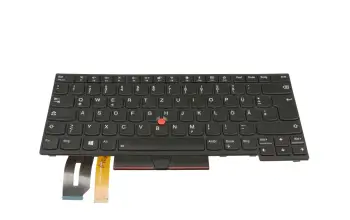
01YP372 teclado original Lenovo DE (alemán) negro/negro con retroiluminacion y mouse-stick
más gastos de envío
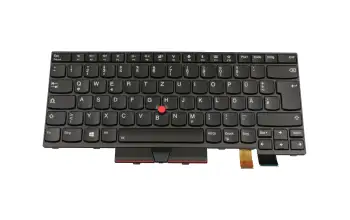
01HX431 teclado Lenovo DE (alemán) negro/negro con retroiluminacion y mouse-stick
más gastos de envío
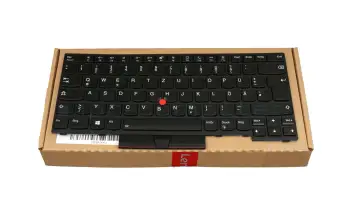
5N20V43771 teclado original Lenovo DE (alemán) negro/negro con retroiluminacion y mouse-stick
más gastos de envío
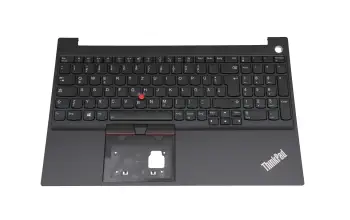
5M11A36302 teclado incl. topcase original Lenovo DE (alemán) negro/negro con retroiluminacion y mouse stick
más gastos de envío
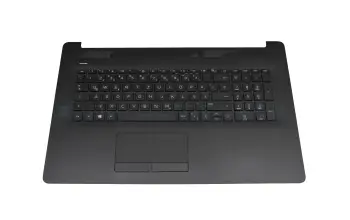
L92780-041 teclado incl. topcase HP DE (alemán) negro/negro (PTP/DVD)
más gastos de envío
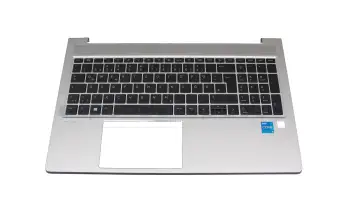
M21742-041 teclado incl. topcase HP DE (alemán) negro/plateado con retroiluminacion
más gastos de envío
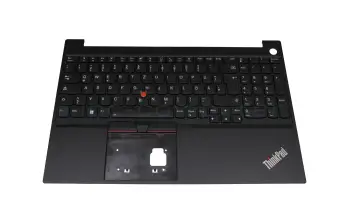
5M11C43773 teclado incl. topcase original Lenovo DE (alemán) negro/negro con retroiluminacion y mouse stick
más gastos de envío
SA473A-2200 teclado Medion DE (alemán) negro/negro
más gastos de envío
L50000-041 teclado incl. topcase original HP DE (alemán) negro/negro
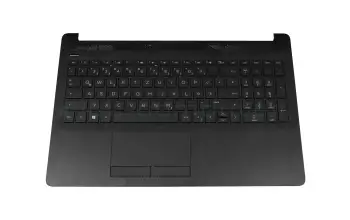
más gastos de envío
6B.A5GN2.014 teclado incl. topcase original Acer DE (alemán) negro/plateado con retroiluminacion
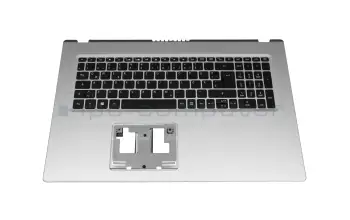
más gastos de envío
5N21D68171 teclado original Lenovo DE (alemán) negro/negro con retroiluminacion y mouse-stick
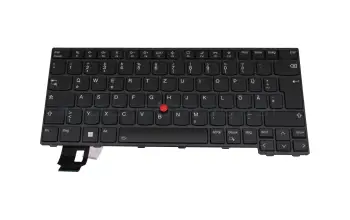
más gastos de envío
04Y2360 teclado Lenovo DE (alemán) negro/negro con mouse-stick
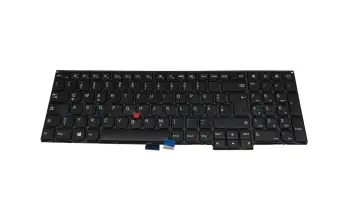
más gastos de envío
6-80-N1510-07A-1 teclado original Clevo DE (alemán) negro/blanco/negro/mate con retroiluminacion
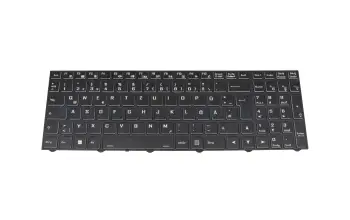
más gastos de envío
NMTGD teclado original Dell DE (alemán) negro/negro con retroiluminacion y mouse-stick
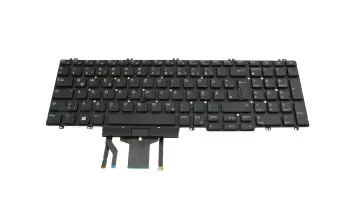
más gastos de envío
01EN735 teclado Lenovo DE (alemán) negro/negro/mate con retroiluminacion
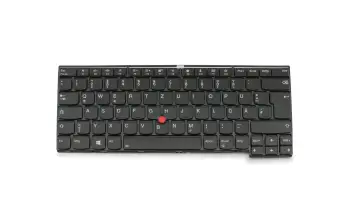
más gastos de envío
L45090-041 teclado incl. topcase HP DE (alemán) negro/plateado con retroiluminacion
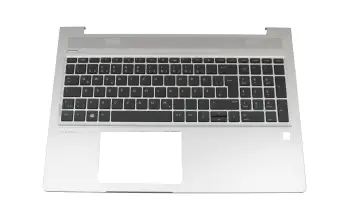
más gastos de envío
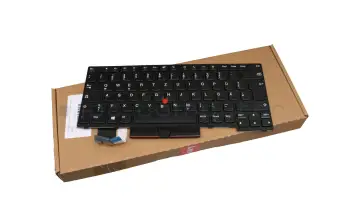
5N20V43879 teclado original Lenovo DE (alemán) negro/negro con mouse-stick
más gastos de envío
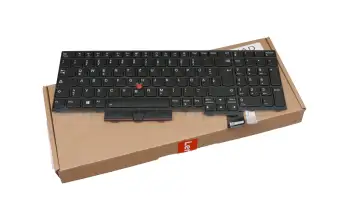
5N20X22927 teclado original Lenovo DE (alemán) negro con retroiluminacion y mouse-stick
más gastos de envío
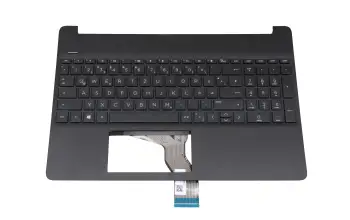
L89859-041 teclado original HP DE (alemán) negro
más gastos de envío
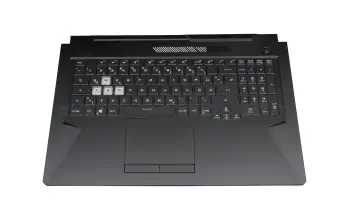
90NR0713-R31GE1 teclado incl. topcase original Asus DE (alemán) negro/transparente/negro con retroiluminacion
más gastos de envío
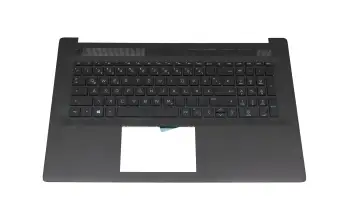
M50468-041 teclado incl. topcase HP DE (alemán) negro/negro
más gastos de envío


Encuentre los teclados adecuados por modelo o características
60.VA0N7.010 teclado incl. topcase original Acer DE (alemán) negro/negro
V138126CK1 teclado original Toshiba DE (alemán) negro con retroiluminacion
776475-041 teclado original HP DE (alemán) negro/canosa con retroiluminacion y mouse-stick
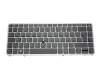
CX1131 teclado original HP DE (alemán) negro/negro brillante
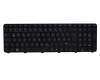
V150602CK1 teclado incl. topcase original Sunrex DE (alemán) plateado/negro con retroiluminacion
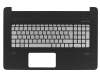
6-80-W84A0-070-1 teclado original Clevo DE (alemán) negro/negro/mate
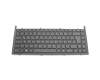
90R-N9J1K1B80U teclado incl. topcase original Asus DE (alemán) negro/plateado con retroiluminacion
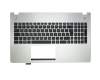
5CB0G97340 teclado incl. topcase original Lenovo IT (italiano) negro/negro con retroiluminacion
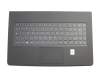
5N20L25883 teclado original Lenovo DE (alemán) negro/negro/mate
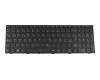
11172258 teclado incl. topcase original Lenovo DE (alemán) negro/canaso
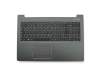
40070024 teclado incl. topcase original Medion DE (alemán) gris/canaso
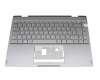
848311-041 teclado HP DE (alemán) negro/antracita con retroiluminacion y mouse-stick
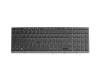
NSK-HJ0US teclado original Darfon DE (alemán) negro/negro brillante
745663-BG1 teclado original HP CH (suiza) negro/negro con mouse-stick
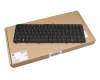
V122503AK1 teclado original HP DE (alemán) negro/negro brillante
40063626 teclado incl. topcase original Medion DE (alemán) negro/negro con retroiluminacion
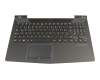
9Z.N8BBQ.P0F teclado incl. topcase original Darfon FR (francés) plateado/plateado con retroiluminacion
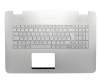
35047860 teclado incl. topcase original Medion DE (alemán) negro/negro
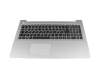
35040822 teclado incl. topcase original Medion DE (alemán) negro/blanco con retroiluminacion
Los teclados más nuevos de nuestra gama
90NB0V92-R30GE1 teclado original Asus DE (alemán) antracita con retroiluminacion
más gastos de envío
L45091-BG1 teclado incl. topcase original HP CH (suiza) negro/plateado
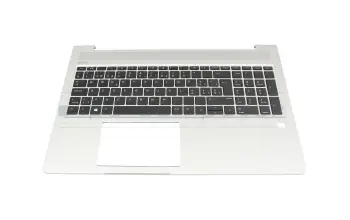
más gastos de envío
6B.KHKN7.011 teclado incl. topcase original Acer DE (alemán) gris/canaso con retroiluminacion
más gastos de envío
6B.KHKN7.025 teclado incl. topcase original Acer CH (suiza) gris/canaso con retroiluminacion
más gastos de envío
5CB1P55299 teclado incl. topcase original Lenovo DE (alemán) negro/canaso con retroiluminacion
más gastos de envío
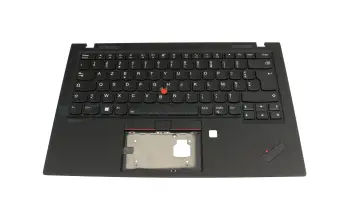
5M10Z27455 teclado incl. topcase original Lenovo FR (francés) negro/negro con retroiluminacion y mouse stick
más gastos de envío
M20128-041 teclado original HP DE (alemán) negro/plateado con mouse-stick
más gastos de envío
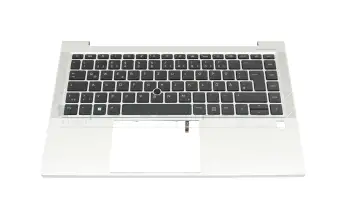
M36311-041 teclado incl. topcase original HP DE (alemán) negro/plateado con retroiluminacion y mouse stick
más gastos de envío
6B.KQ8N2.014 teclado incl. topcase original Acer DE (alemán) gris/canaso con retroiluminacion
más gastos de envío
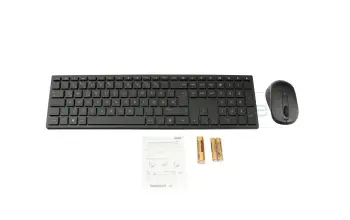
DK.RF41P.0C9 teclado incl. topcase original Acer DE (alemán) negro/negro (inalámbrico), incluye ratón y pilas
más gastos de envío
6B.QK5N7.011 teclado incl. topcase original Acer DE (alemán) negro/blanco/negro con retroiluminacion
más gastos de envío
6B.R0PN7.011 teclado incl. topcase original Acer DE (alemán) negro/negro con retroiluminacion
más gastos de envío
6B.QNRN2.014 teclado incl. topcase original Acer DE (alemán) negro/negro con retroiluminacion
más gastos de envío
6B.ACSN2.014 teclado incl. topcase original Acer DE (alemán) negro/rojo con retroiluminacion
más gastos de envío
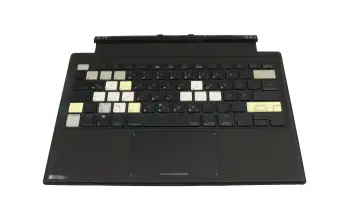
0KNR1-4619GE00 teclado incl. topcase original Asus DE (alemán) negro/antracita con retroiluminacion
más gastos de envío
5CB0U42954 teclado incl. topcase original Lenovo FR (francés) negro/negro con retroiluminacion
más gastos de envío
5CB0Z31025 teclado incl. topcase original Lenovo DE (alemán) verde oscuro/verde oscuro con retroiluminacion
más gastos de envío
90NB0UT1-R30GE0 teclado incl. topcase original Asus DE (alemán) plateado/plateado con retroiluminacion
más gastos de envío
6B.KSJN2.014 teclado incl. topcase original Acer DE (alemán) negro/plateado
más gastos de envío
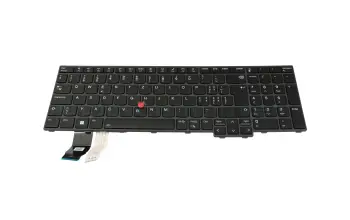
5N21K05100 teclado original Lenovo CH (suiza) negro/negro con retroiluminacion y mouse-stick
más gastos de envío
90NR0572-R33GE1 teclado incl. topcase original Asus DE (alemán) negro/antracita con retroiluminacion
más gastos de envío
5CB1F38561 teclado incl. topcase original Lenovo DE (alemán) blanco/blanco con retroiluminacion
más gastos de envío
5CB1A24863 teclado incl. topcase original Lenovo DE (alemán) antracita/plateado con retroiluminacion huella digital
más gastos de envío
5M11H62782 teclado incl. topcase original Lenovo DE (alemán) negro/negro con retroiluminacion y mouse stick
más gastos de envío
5M11L64262 teclado incl. topcase original Lenovo ND (nórdico) negro/negro con retroiluminacion y mouse stick
más gastos de envío
Diferentes modelos de teclado
Cada país tiene un diseño de teclado específico. Por lo tanto, la disposición del teclado depende del país donde se compró el portátil. Aquí hemos enumerado algunos diseños de teclado para usted. En nuestras preguntas frecuentes también como una imagen.
| País | Abreviatura | Layout |
|---|---|---|
| Alemán / German | DE / GR | QWERTZ |
| Italia / Italy | IT | QWERTY |
| España / Spain | ES | QWERTY |
| Francia / France | FR | AZERTY |
| Belgrado / Belgium | BE | AZERTY |
| Inglaterra / United Kingdom | UK | QWERTY |
| Estados Unidos / America | US | QWERTY |
| Suiza / Switzerland | CH | QWERTZ |
Interessante Beiträge Rund um das Thema Notebook Tastaturen
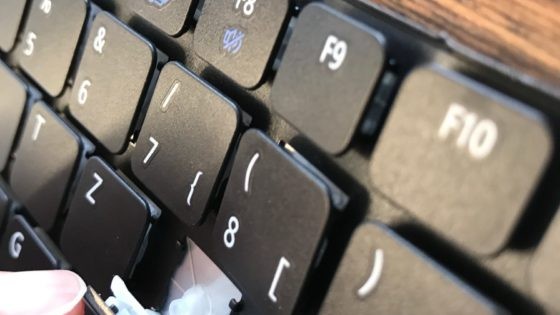
Notebook Tastatur Tasten-Kappen
Kann ich für meine defekte Notebook Tastatur auch einzelne Tasten-Kappen (Keycab) oder Halteclips bei IPC-Computer im Shop nachkaufen?

Original Tastatur, oder Nachbau?
Wie erkenne ich, ob eine Notebook Tastatur Original oder nach gebaut ist? Welche Qualitätsunterschiede gibt es zwischen Nachbau und Original Notebook Tastatur?
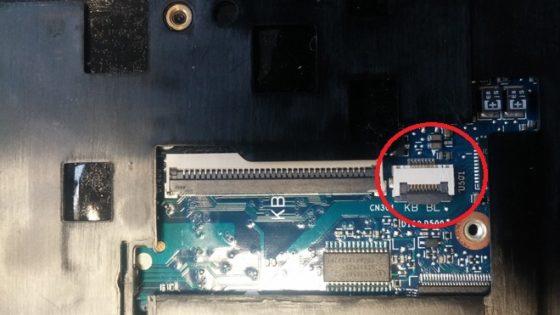
Tastatur Beleuchtung nachrüsten
Die Hintergrundbeleuchtung bei der Tastatur nachrüsten ist oft möglich. So geht’s beim HP Elitebook 840 G1.
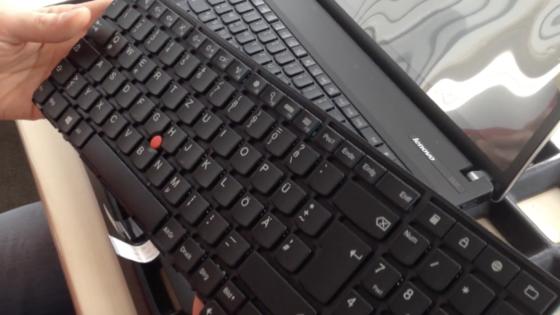
Einbauanleitung Lenovo ThinkPad Edge
Tastatur Tausch Lenovo ThinkPad Edge E531, E540, E440
Notebook Tastaturen erklärt - FAQ
In diesem Video beantworten wir die wichtigsten Fragen zum Thema Notebook-Tastaturen
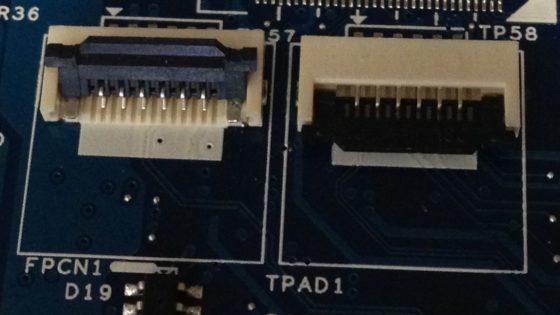
Flachbandkabel der Tastatur sicher lösen
Notebook-Flachbandkabel sicher lösen – ohne Risiko den Flachbandkabelsteckverbinder (FFC) zu beschädigen.
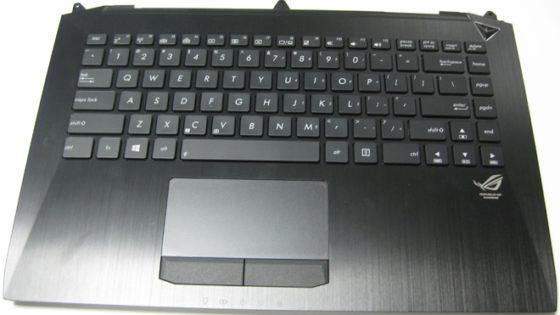
Die 4 gängigsten Tastatur Einbau Varianten
Einige große Hersteller verwenden in den verschiedenen Modellreihen ihrer Notebooks konstruktionsbedingt meist die vier folgenden Einbau-Varianten von Notebook-Tastaturen.
Laptop Tastaturen im SALE
Sonderaktionspreise, solange Vorrat reicht!
5CB1B05291 teclado incl. topcase original Lenovo DE (alemán) gris/canaso con retroiluminacion
más gastos de envío
929906-041 teclado incl. topcase HP DE (alemán) negro/canaso
más gastos de envío
AP204000E20 teclado incl. topcase HP DE (alemán) negro/canaso
más gastos de envío
45M0EHCS0026 teclado incl. topcase HP DE (alemán) negro/negro con retroiluminacion
más gastos de envío
9Z.NEZBW.50G teclado incl. topcase HP DE (alemán) negro/negro con retroiluminacion
más gastos de envío
L20849-041 teclado incl. topcase HP DE (alemán) negro/negro con retroiluminacion
más gastos de envío
L20851-041 teclado incl. topcase HP DE (alemán) negro/negro con retroiluminacion
más gastos de envío
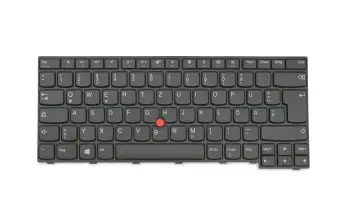
01AX012 teclado Lenovo DE (alemán) negro/negro/mate con mouse-stick
más gastos de envío
01AX052 teclado Lenovo DE (alemán) negro/negro/mate con mouse-stick
más gastos de envío
01AX107 teclado Lenovo DE (alemán) negro/negro/mate con mouse-stick
más gastos de envío
KENOBI-85D0 teclado Lenovo DE (alemán) negro/negro/mate con mouse-stick
más gastos de envío
SN20K93167 teclado Lenovo DE (alemán) negro/negro/mate con mouse-stick
más gastos de envío
SN20K93247 teclado Lenovo DE (alemán) negro/negro/mate con mouse-stick
más gastos de envío
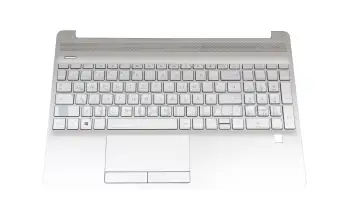
L52155-041 teclado incl. topcase original HP DE (alemán) plateado/plateado (Fingerprint)
más gastos de envío
L53741-041 teclado incl. topcase original HP DE (alemán) plateado/plateado (Fingerprint)
más gastos de envío
PK132H84E10 teclado incl. topcase original Compal DE (alemán) plateado/plateado (Fingerprint)
más gastos de envío
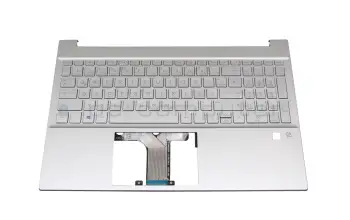
M08910-041 teclado incl. topcase original HP DE (alemán) plateado/plateado con retroiluminacion
más gastos de envío
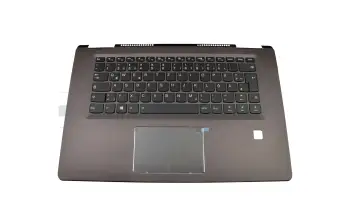
5CB0M14142 teclado incl. topcase original Lenovo DE (alemán) negro/canaso con retroiluminacion
más gastos de envío
9Z.NCRBC.B0G teclado incl. topcase original Lenovo DE (alemán) negro/canaso con retroiluminacion
más gastos de envío
BFA1R0000100-A teclado incl. topcase original Lenovo DE (alemán) negro/canaso con retroiluminacion
más gastos de envío
01HX431 teclado Lenovo DE (alemán) negro/negro con retroiluminacion y mouse-stick
más gastos de envío
01HX471 teclado Lenovo DE (alemán) negro/negro con retroiluminacion y mouse-stick
más gastos de envío
01HX511 teclado Lenovo DE (alemán) negro/negro con retroiluminacion y mouse-stick
más gastos de envío
WIDBL-85D0 teclado Lenovo DE (alemán) negro/negro con retroiluminacion y mouse-stick
más gastos de envío
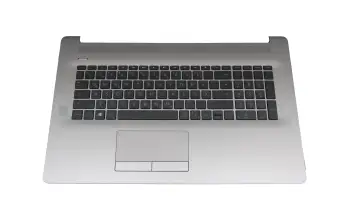
6070B1714501 teclado incl. topcase original HP DE (alemán) negro/plateado con retroiluminacion sin ODD
más gastos de envío
Teclado del portátil FAQ
Aquí encontrará todas las preguntas y respuestas importantes sobre los teclados de los ordenadores portátiles
- Is it possible to install a keyboard with a numpad in my Notebook
You can only install keyboards intended for the use in your model. So, when your current keyboard does not have a numpad you will not be able to install one with a numpad, since they would be too large. The same is true for keyboards with numpad, ones without numpad would then be too small.
However, there is the option to use an external numpad connected via USB.
- Can I buy single key-caps for my notebook keyboard
Unfortunately, this s not possible for multiple reasons:
- No manufacturer sells single key-caps, only whole keyboards.
- There are way too many designs, holding-clips variants, color differences.
- There are multiple thousand different keyboards from different manufacturers.
- Sometimes even the same notebook model uses different keyboards
- Carrying that many different spare parts is almost impossible for manufacturers and sellers
- Can I exchange my keyboard myself
This is technically possible, to help you with the repair we have some exemplary instructions.
- Why does my keyboard no longer work
There can be multiple reasons for its failure.
- It could be an error in your operating system, for example, when the wrong input language is selected.
- The keyboard controller IC on the Mainboard could be damaged.
- Dirt, like food or dust could be stuck in the keyboard.
- What function does the FN-key on my keyboard have
The FN-key is similar to the shift or the alt-key. Oftentimes there are secondary functions marked by a different color, which can be accessed by pressing the FN-key and the respective key.
Usually these are functions like volume up or down, mute, changing the brightness of the screen or media controls.
- Which Layout does my keyboard have
Most countries have their own keyboard Layout. Usually the device has the layout of the country it has been bought in.
The English layout can be recognized by the first six Characters of the top row of letters. That's also why it is called QWERTY-layout, another common abbreviation for it would be ENG-layout.

- Where can I find the right keyboard for my Notebook
The easiest option is to search for your notebook model in our Shop. We will then list all the keyboards, that are compatible with your device.
Should you not be able to find the keyboard like this, you can try searching for its part number.
- Where can I change the keyboard Layout in Windows
In Windows 10 hit the Windows-key and type "language", then hit the enter-key. In the settings menu that opens klick the plus sign next to "Add a language" and select the language you wish to add. It could be, that the Layout might still need to be downloaded, so make sure your computer is connected to the internet. When you left-click on a language, further options appear such as making it the default language. When you have two or more available keyboard layouts, there will be the abbreviation of the layout you are currently using in the bottom right in the taskbar. You can change the layout by clicking on it.